AVAILABLE NOW
Mac
Audio Fabric Studio Desktop
See the App Store for compatibility and purchase options.
 Audio FabricDesktop Studio
DESKTOP STUDIO FOR MUSIC, PODCASTS & VIDEO
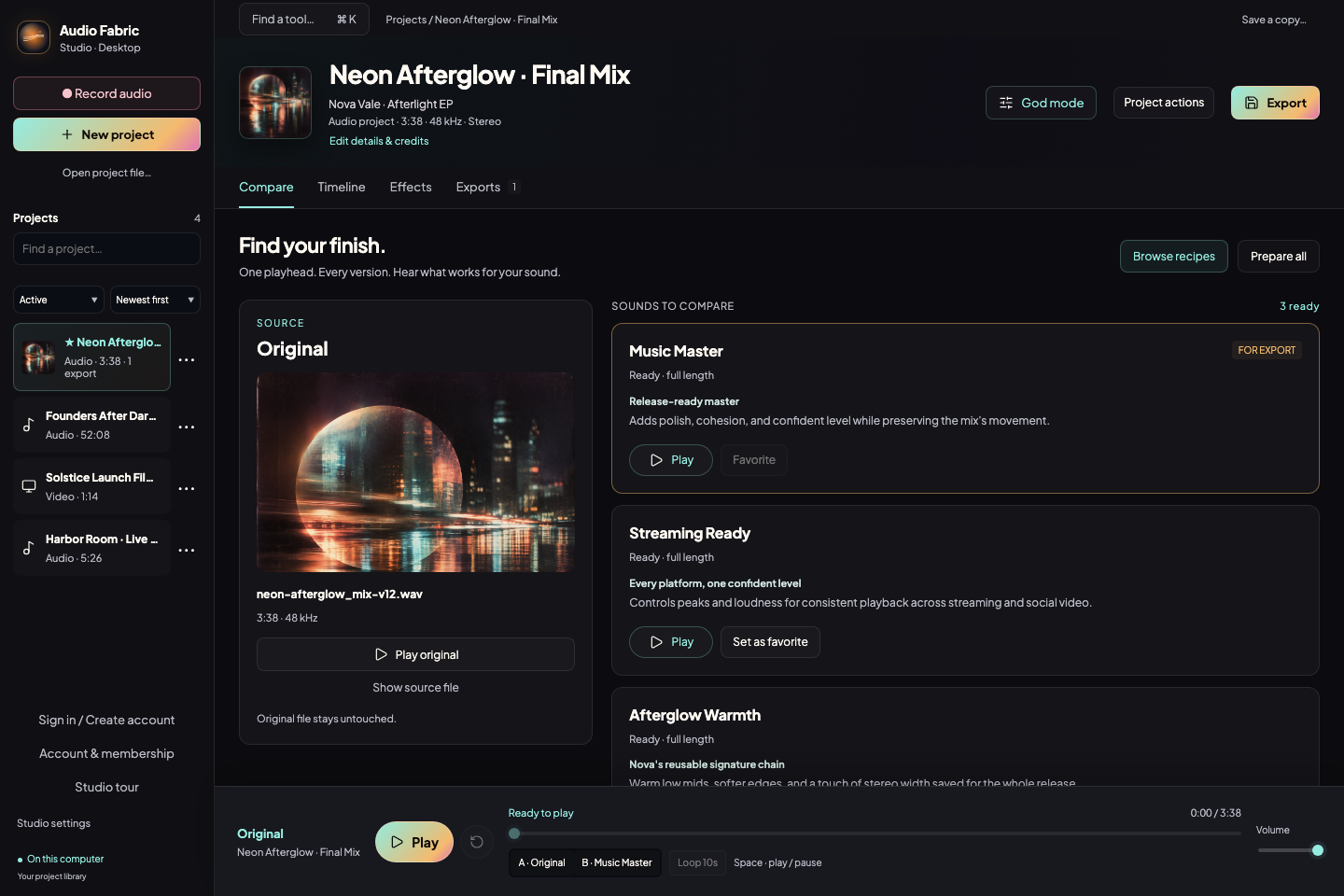
Turn a raw recording into a finished release without guesswork. Record, repair, master, mix a video soundtrack, and compare full-length versions at the same playhead—all on your computer.
Get it on the Mac App StoreAvailable for Mac and Windows · Your originals stay untouched
AVAILABLE NOW
Get the desktop app from your platform’s store.
Audio Fabric Studio Desktop
See the App Store for compatibility and purchase options.
64-bit Intel and AMD PCs
Windows 10 (2004+) or 11 · x64
DIRECT BETA INSTALLERS
Apple silicon is the right download for every M-series Mac.
M1, M2, M3, M4, or newer
Native performance · macOS 13+
Choose this only when About This Mac says “Processor: Intel.”
Not sure? Open Apple menu → About This Mac. If you see “Chip,” choose Apple silicon. If you see “Processor: Intel,” choose Intel.
Need the previous installer? Apple silicon beta.17 · Intel beta.17
Record, pause, add markers, and keep the take without breaking your creative flow.
Compare the original and every variation at the same playhead, then shape the details with precision.
Export full-length audio, extract sound from video, or replace a video soundtrack when it is ready.
INSIDE THE DESKTOP STUDIO
Explore 13 original room tones, atmosphere beds, movement textures, and transitions. Preview a sound, choose a balanced preset, and add it to a Mix or Video timeline.
Arrange, trim, split, and blend clips across tracks. Balance your channels and export a stereo master or aligned stems.
Position and mix added audio against video, then export the finished soundtrack with your picture.
Organize projects into albums, shape effects with live preview, capture clean and processed recordings, preserve metadata, artwork, and lyrics, and export new files while keeping your originals intact. Advanced tools depend on your plan or active beta access.
English, Spanish, French, German, Swedish, Portuguese, Simplified Chinese, Korean, and Japanese. Follow your computer’s language or choose your own.
CREATE FREE
No account required.
Creator and Studio also include Pro access in supported mobile apps. Sign in with the same Audio Fabric account. Creator includes 25 GB cloud storage; Studio includes 100 GB and API access.
Or try Studio Pro for 14 days in the app · No card required · Two computers
Get the Mac or Windows app, or open the web studio in your browser.
Open Audio Fabric Studio ↗